

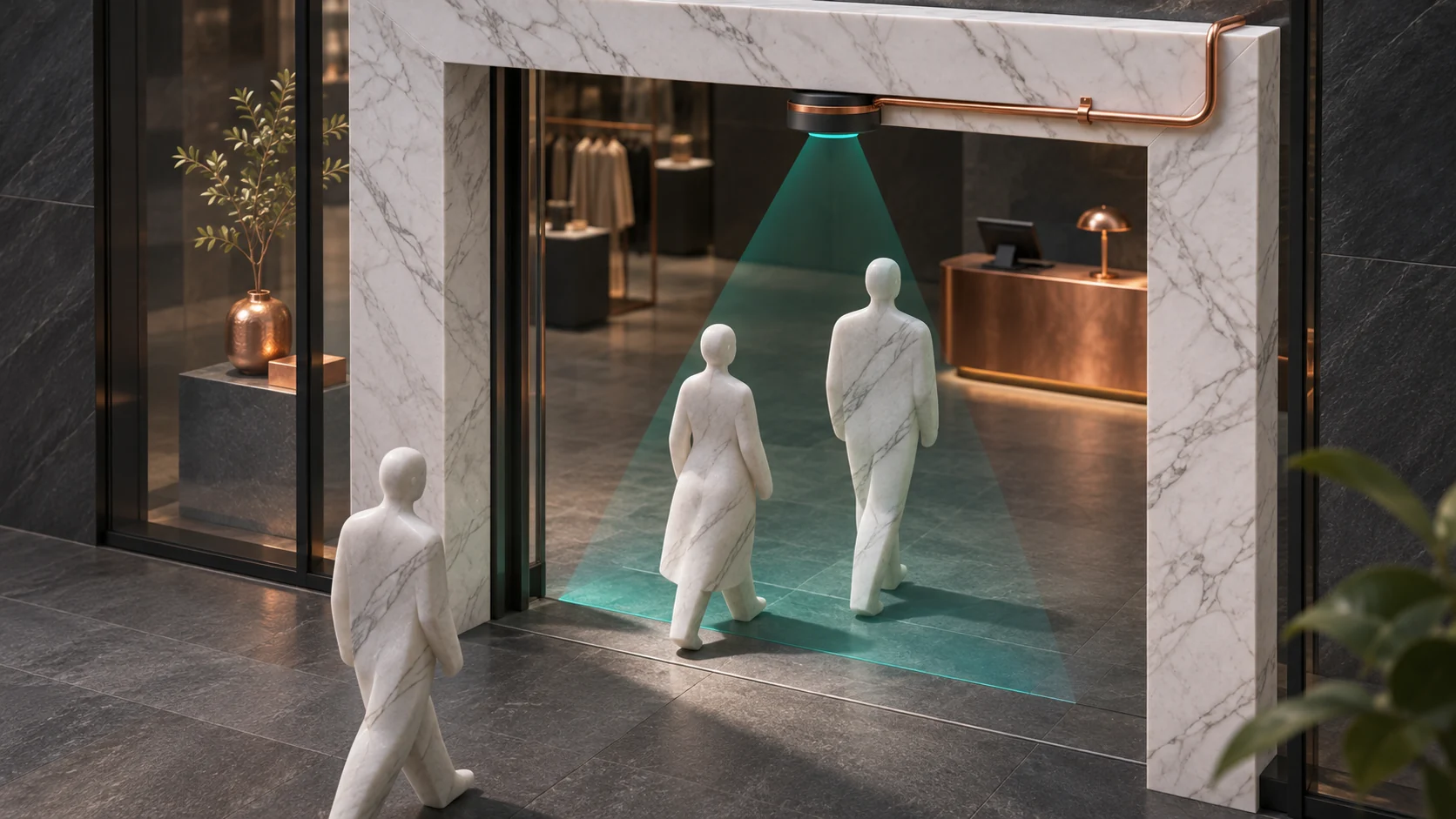
You can measure how busy a store is without building a record of who visited. Count physical crossings at the entrance, measure how many people are in a defined queue zone, and compare those totals with in-store checkout transactions over the same reporting window. These signals can guide staffing and layout decisions. Each answers a different question.
This guide is for retail operations leads, store managers, and the facilities or technology teams that support them. Start with one entrance and one checkout queue. Agree what a useful result would change before deciding which sensor to buy.
Define what a count means before installing a sensor
- Entries and exits. Count directional crossings at a marked threshold. One person can enter twice, employees can use the same door, and families arrive together. Choose whether the count includes all crossings or whether a dedicated staff entrance is excluded. Keep that definition consistent.
- Passersby. Use a separate, clearly bounded counting line if you need a sidewalk or mall-corridor denominator. Test the boundary with the property operator and validate it independently. The ratio of store entries to corridor crossings can inform a display experiment, but it cannot tell you which passersby entered.
- Queue length and dwell. Count occupancy in the marked queue zone and report how often it exceeds a staffing threshold. For a waiting-time study, use manual, non-identifying spot observations or an approved short-lived measurement method within the queue. Occupancy snapshots alone do not show how long any person waited. People entering and leaving the queue without buying still matter to the staffing decision.
- Checkout activity. Count completed in-store sale transactions for the same window. Define how you handle returns, voids, online pickup, and split transactions. Call the ratio transactions per entry. A family may generate one transaction and several crossings. An individual might buy twice or enter in an earlier hour.
Choose a sensor that observes the physical boundary
For a narrow, single-file opening, two break beams can detect direction from the order in which the beams are interrupted. An ESP32-S3 or C6 can read an appropriate digital interface, check that both beams clear, and aggregate entry and exit counts locally. Set separation, height and timing from site trials. A held beam, reversal, stroller, or two people shoulder to shoulder can create an ambiguous sequence. Use the sensor’s specified electrical interface and protection, especially if it has a higher-voltage industrial output.
An overhead time-of-flight sensor measures distance to a surface. With two sensing zones, the order of occupancy can show direction, and a multi-zone sensor can help distinguish activity across a wider area. STMicroelectronics’ VL53L1X example describes two zones for a narrow passage. A sensor such as the VL53L5CX offers more zones for an evaluation. Check mounting height, zone boundaries, near-wall traffic, floor reflections, direct sunlight and side-by-side groups before assuming a fit. For a broad entrance or a winding queue, compare a commercial overhead counter with the simpler installation.
At the edge, keep transient sensor samples only long enough to classify a crossing or compute the current occupancy. Export interval totals, coverage, ambiguous-event counts and device health. A missing interval should remain missing when the sensor loses power or becomes blocked. A network outage can be buffered with interval timestamps and sequence IDs if the counter remains powered. Compare the last count and timestamp after reconnection so a replay cannot inflate a report.
Why nearby Wi-Fi and Bluetooth traffic is a poor substitute
One phone can use different wireless addresses over time, a shopper can carry several devices, and another shopper can carry none. A nearby device might belong to an employee, a neighboring store, or a person outside the door. RSSI varies with placement, bodies and fixtures, so a strong signal cannot reliably establish that someone crossed the entrance. Probe and advertisement behavior also depends on the operating system, device and settings. See Apple’s scan privacy documentation and the Android MAC randomization documentation.
Espressif’s ESP32-S3 and ESP32-C6 coexistence guides explain that the chip’s wireless functions share a 2.4 GHz radio and divide airtime. The devices cannot continuously and independently listen to both Wi-Fi and BLE on one chip. Better radio coverage would still leave the central problem that a detected device is not a verified shopper or sale.
Hashing device addresses or changing a salt daily does not turn device observations into verified people or guarantee anonymity. Observations can still be linkable within the reporting period, and location and timing can make combinations revealing. The UK Information Commissioner’s Office explains the distinction between pseudonymisation and anonymisation. Confirm requirements for the actual jurisdiction and deployment. For a store traffic study, avoid collecting wireless identifiers or advertising payloads and avoid building repeat-visit or employee monitoring profiles.
Read a worked hour without guessing who bought
Suppose the door counter reports 300 entries from noon to 1 p.m. An independent manual count using the same crossing definition records 306. The sensor is six low, about 2.0% of the manual reference for this hour. Check short intervals separately. A few overcounts and undercounts can cancel in a total. If errors cluster when groups enter together, reposition or replace the sensor before comparing staffing options.
The POS reports 84 eligible in-store transactions. That is 28 transactions per 100 recorded entries using the sensor count, versus about 27.5 per 100 using the manual reference. A staffing decision should use comparable periods, both sources’ coverage, and the measured variability. These are illustrative counts. They do not establish the share of individual shoppers who bought something.
The queue sensor shows five or more people for 12 of 60 valid one-minute observations. That is 20% of observed minutes. Staff can use a second set of observations to confirm the buildup, note when a new register opened, and compare a similar hour after a schedule change. If five minutes had been missing, report the valid denominator and coverage. Do not enter zero people for those minutes.
Run a pilot that protects privacy and catches count errors
- Define the decision and boundaries. Pick one choice such as when to open a second register. Mark the physical doorway and queue zones, record the schedule and clock alignment, and decide how to handle multiple entrances or overlap.
- Validate against independent observations. Compare inward and outward counts in several quiet and busy periods. Test reversals, door holding, grouped entries, deliveries, shopping carts and queues that extend past the marked area. Track count differences and coverage by condition. Publish an estimate only for conditions you tested.
- Keep only the summaries you need. Limit exports to totals, status and the metadata required to interpret them. Give a small set of authorized roles access, agree retention, and roll up or suppress very low counts when sharing. Keep checkout aggregates separate from raw transaction IDs, access control, employee records, and security footage. Have the site owner approve the purpose, notice and access arrangements.
- Choose a supportable result. Compare a manual sample, simple door beam, overhead counter or commercial package against the same decision. Use the smallest deployment that yields a trustworthy signal. Assign someone to investigate outages and repeat the reference check after a layout change.
A good first report shows where and when the store got busy, how much of the period was measured, and whether the queue eased after an operating change. Storewide traffic and aggregate checkout trends are useful on their own.